LORE
A field guide to stones — honest about what a photograph can tell you.
- Role
- Founder · Product design, iOS development, AI integration & brand
- Year
- 2026
- Status
- Live
- Focus
- Product design, UX/UI, iOS (SwiftUI), AI integration, Brand & identity
- Links
- App Store
In short
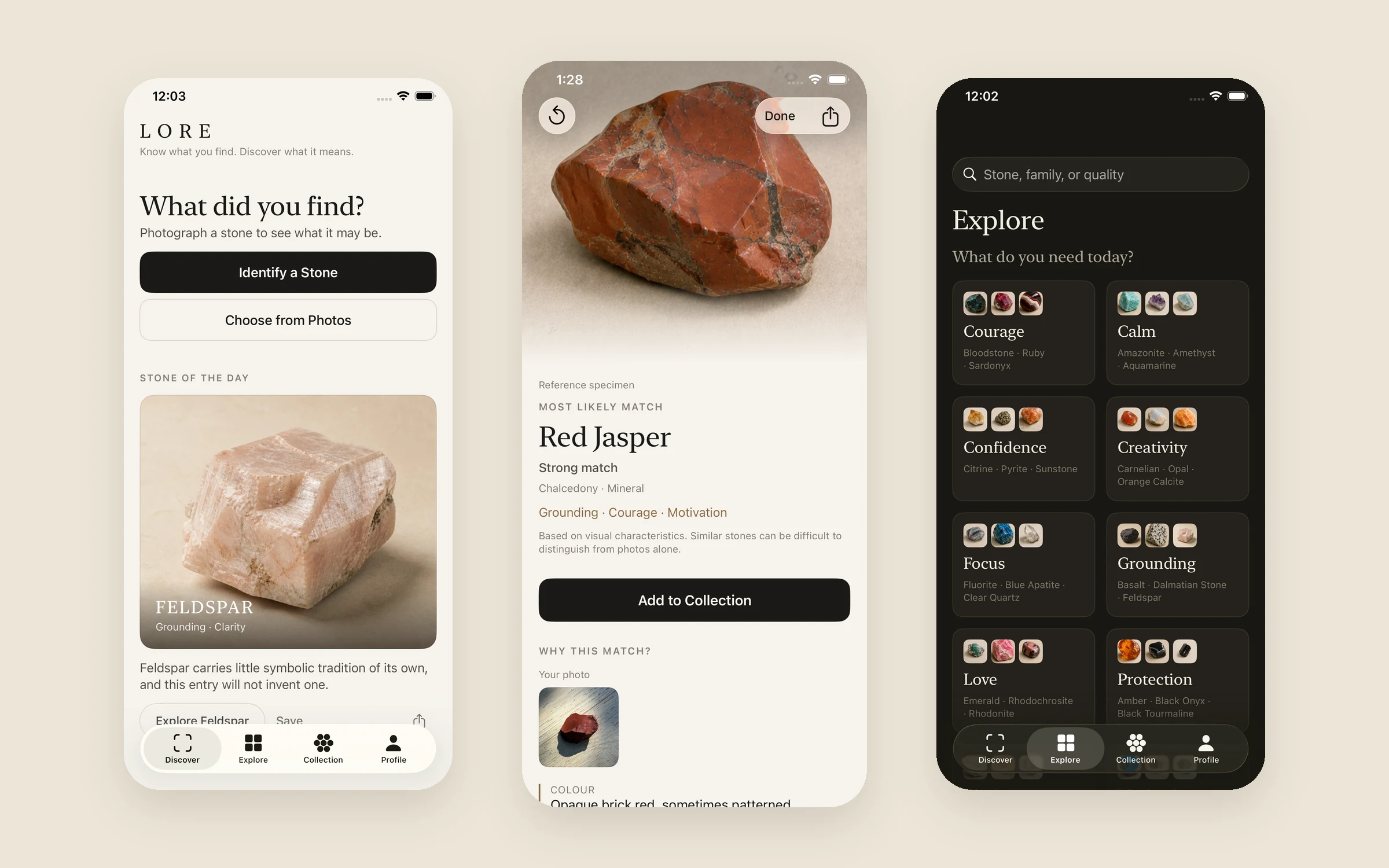
An iOS field guide to 78 stones and minerals: photograph one to get the closest matches and the evidence behind them, or identify it offline from what you can see. Natural history and folklore sit side by side, but never blur together.
At a glance
- Context
- Stone apps are either utilitarian rock identifiers or mystical crystal-healing guides. LORE sits between them, for people who are curious about stones but aren’t mineralogists.
- Problem
- The category’s biggest complaint is confident wrong answers. Most minerals can’t be settled from a photo — colour shifts with light, and polishing removes the features that would decide it.
- My role
- Solo: product, interface and brand, the SwiftUI app, the identification service, and the content system.
- Outcome
- Live on the App Store with a 78-entry guide. Identification that shows its evidence and says when it isn’t sure.
Positioning
Between the rock-ID app and the crystal-healing app.
LORE is for people who collect crystals, make or wear jewellery, buy specimens, or simply like beautiful natural objects. Every entry covers how a stone forms, where it’s found, how to recognise it, and its hardness on the Mohs scale.
Alongside that sits what people have traditionally believed about it — recorded as history, never as effect. Symbolic copy is always framed as tradition (“traditionally associated with”), and a test checks every entry in the database to keep it that way. Where a stone has little folklore, the guide says so instead of inventing some.
What I tried first
On-device matching was measured — and didn’t work.
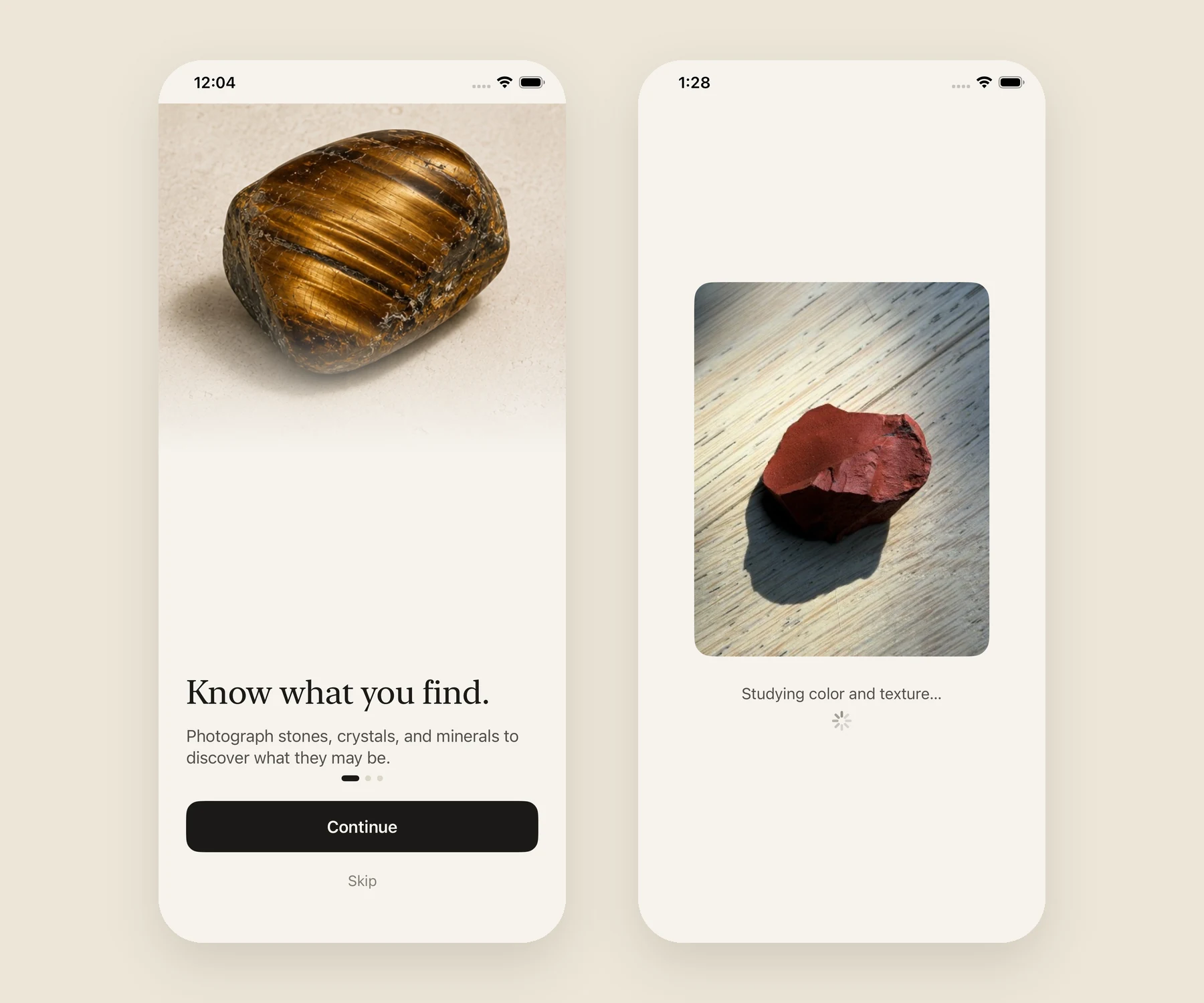
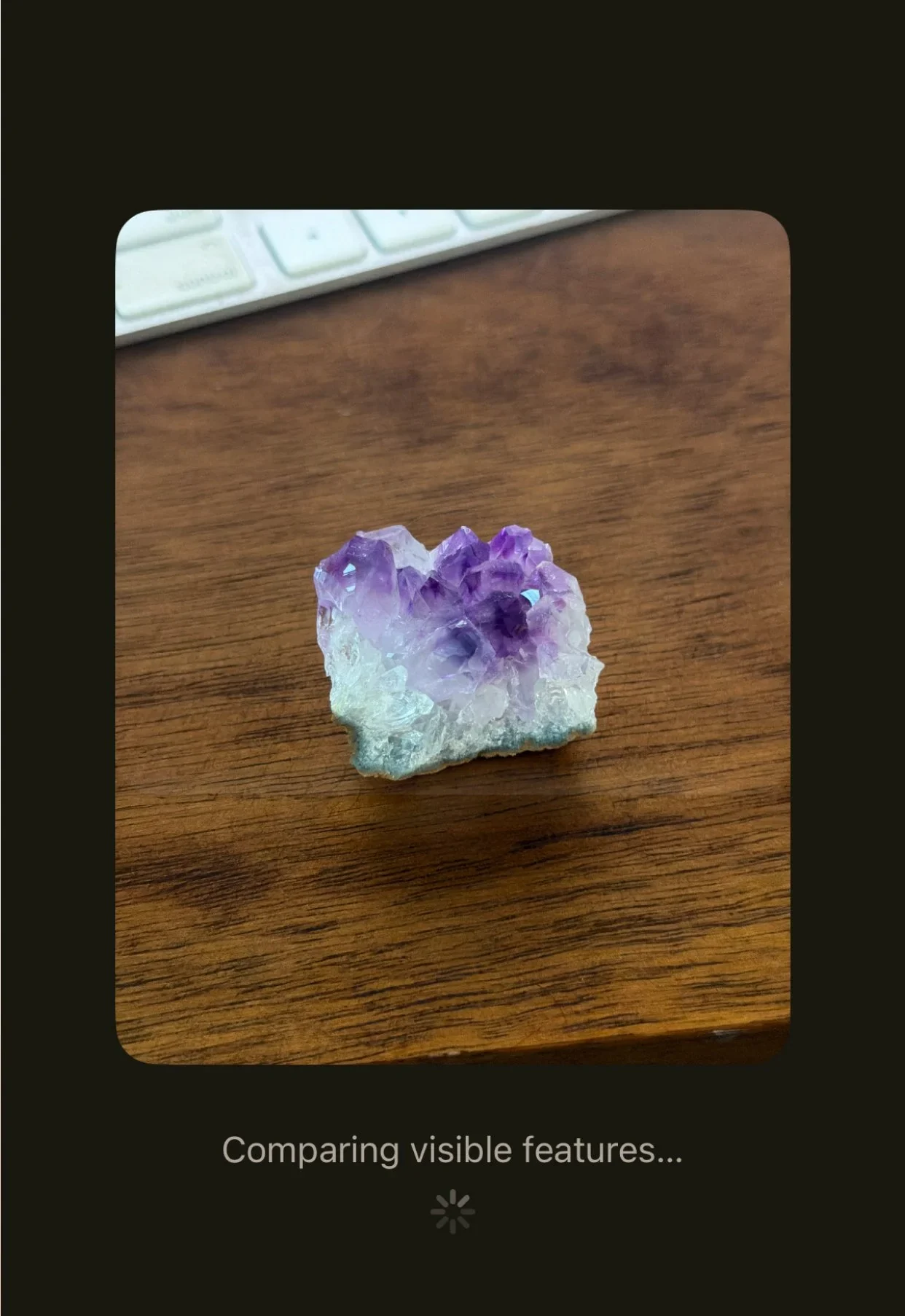
The first version identified stones entirely on the phone, comparing Apple’s Vision feature prints against a reference photograph of each stone. No server, no per-scan cost, nothing leaving the device. It was the right instinct for privacy and cost, so I tested it properly before shipping.
It failed. Feature prints describe scenes — a beach versus a kitchen — not tiger’s eye versus jasper. Against 60 references, every distance landed between 0.85 and 1.09 regardless of the stone, and the one correct answer led the runner-up by 0.001. So identification moved to a vision model behind a small server proxy, and the privacy story changed with it: the photo is resized on the phone (which strips location data), used for the request, and not stored.
Approach
Designing an identifier that’s allowed to be unsure.
- 01
It can only name stones it knows.
The model can only return entries in LORE’s own guide — the stone ids are a fixed list, so an invented mineral isn’t a possible answer.
- 02
Observations before conclusions.
It reports what it sees — colour, transparency, surface — before it names anything, so you can check each observation against the stone in your hand.
- 03
One answer when confident, a shortlist when not.
High confidence needs a genuinely distinctive feature. Otherwise LORE gives a ranked shortlist and a physical test that separates them: “Hold a thin edge up to the light. If it stays fully opaque, that supports red jasper.”
- 04
An offline mode that needs no photo.
Answer what you can see — colour, surface, how light behaves, optionally a scratch or streak test — and LORE narrows the guide on the phone. Free, unlimited, and private.
Execution
A guide first, a scanner second.
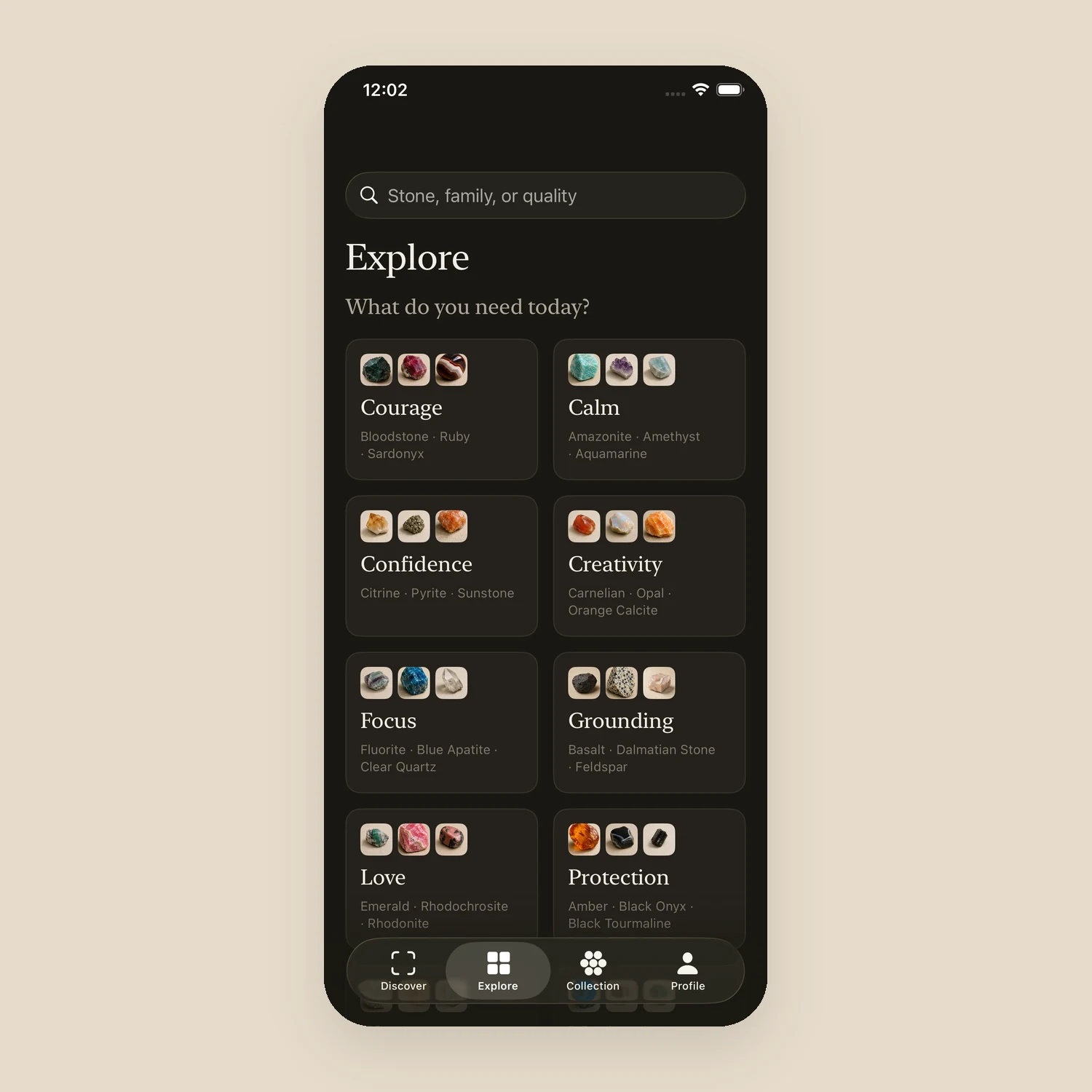
Built in SwiftUI. Every stone has a specimen image — AI-generated in matching sets so the guide reads as one archive, then checked against each stone’s defining traits, because image models tend to drop exactly the feature that identifies a stone.
Nothing educational is behind the paywall: every entry, the folklore, the collection, and offline identification are free. LORE+ is a one-time purchase for unlimited photo identifications — and a declined identification never uses up a free scan, because charging for “I’m not sure” would undercut the whole point.
Storyframe
Your App Store page, designed for you.